Ready for a flight ✈️
Put your child's books on their tablet before you leave home. It takes about two minutes and needs the internet just once. After that the books play in aeroplane mode, for up to 30 days.
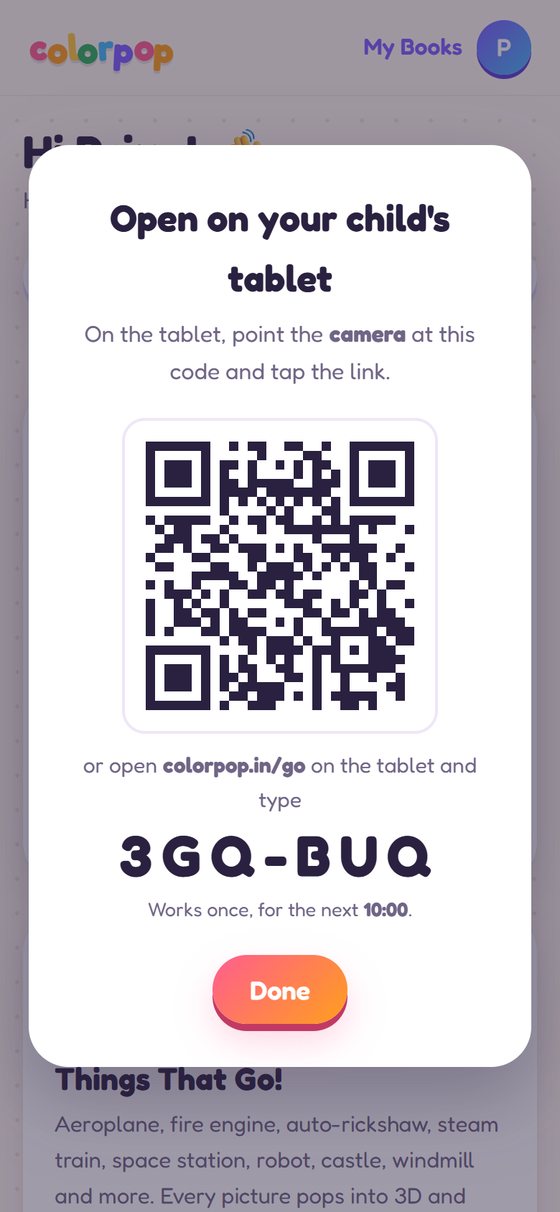
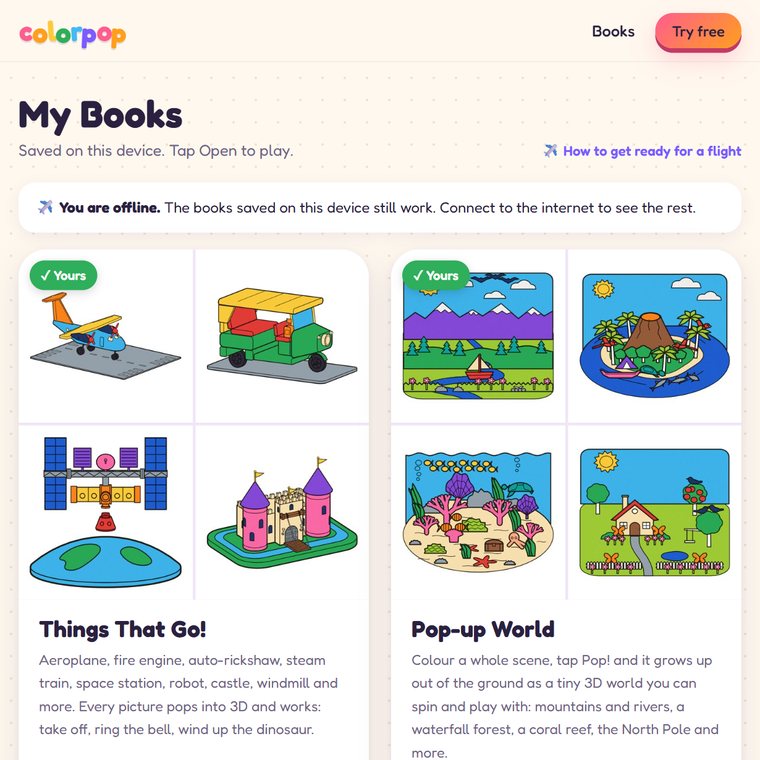
Step by step
Works on Android tablets, iPads, phones and laptops.
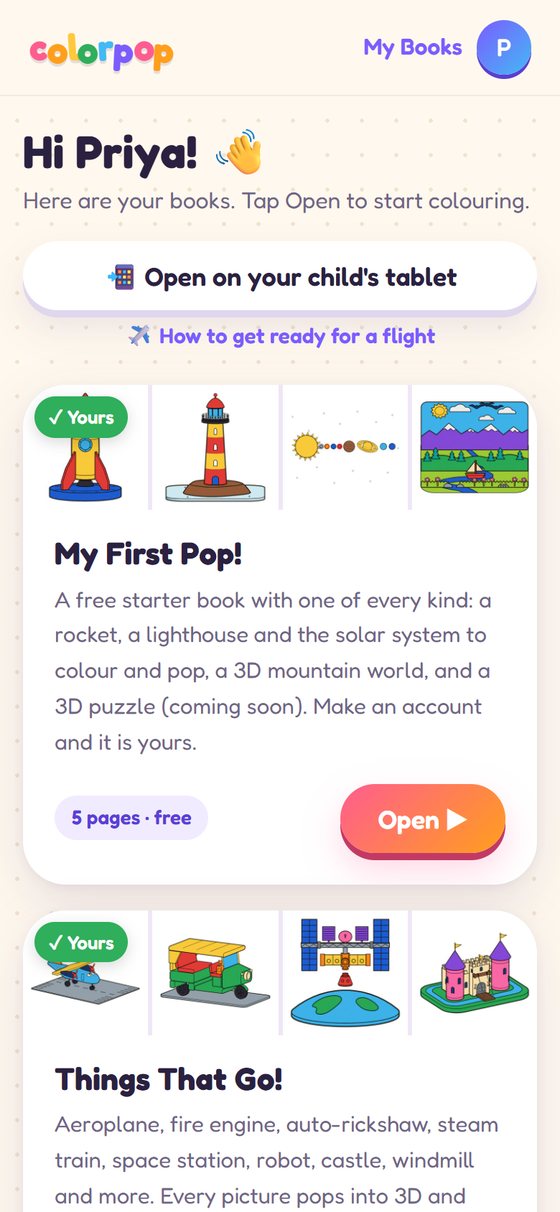
On your phone, open My Books
Log in on your phone with the email you bought with, and tap 📲 Open on your child's tablet.
Your phone shows a code
A QR code and a short code like K7M-42P. It works once, for 10 minutes, so nobody else can use it later.
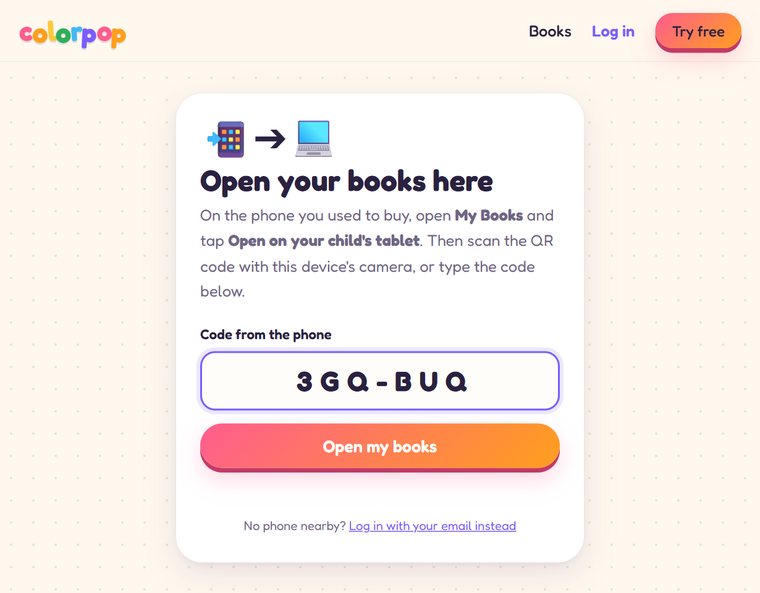
On the tablet, scan or type the code
Scan the QR code with the tablet's camera, or open colorpop.in/go and type the 6 letters. The tablet is now logged in to your account. No password, no email.
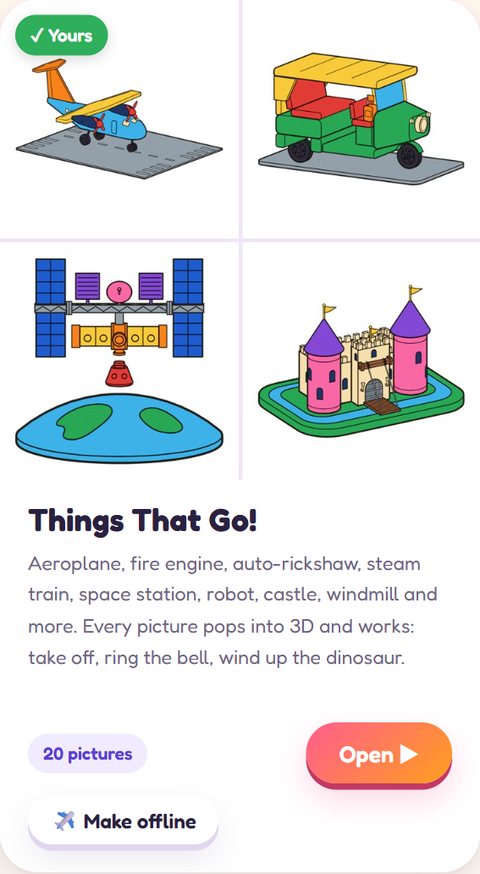
Tap ✈️ Make offline
On the tablet, tap Make offline under each book you want for the trip. Bigger books take a few seconds on home Wi-Fi.
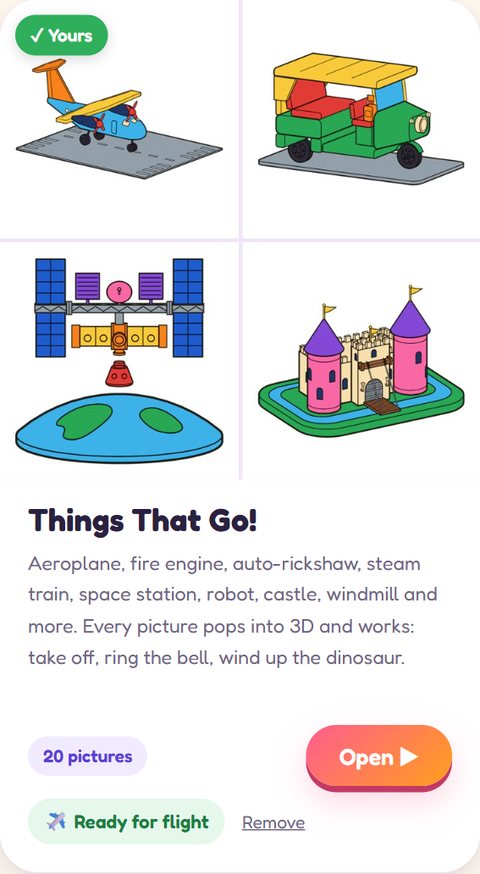
Look for "Ready for flight"
When every book says ✈️ Ready for flight, you're done. Try it once at home: turn on aeroplane mode and open a book.
On the plane
Aeroplane mode on, open Colorpop. Your saved books are there, with a note that you are offline. Colour, pop, build and play as at home; progress is saved on the tablet.
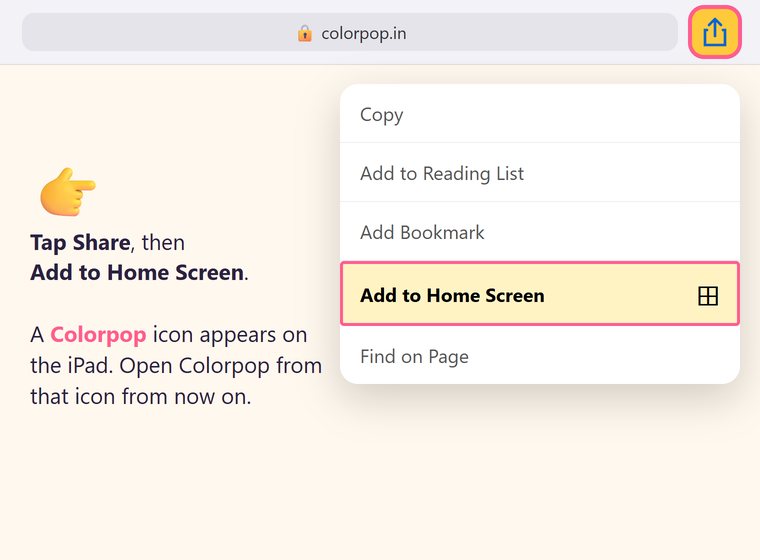
Using an Apple iPad or iPhone?
Do this before step 3, so Safari keeps your saved books safe:
- On the iPad, open colorpop.in in Safari, tap Share ⬆️ and then Add to Home Screen.
- Open Colorpop from the new icon, tap Use the code from your phone and type the code there.
- From now on, always open Colorpop from that icon.
Before you leave home
- Every book you want says ✈️ Ready for flight on the tablet.
- You tried one book in aeroplane mode at home.
- The tablet is charged (and headphones packed, the books have sounds).
- Saved books work offline for 30 days. Opening Colorpop once with internet renews them.
- Offline play is for the books you bought. The free starter book plays online.
Stuck? Write to colorpoplab@gmail.com and we'll help.